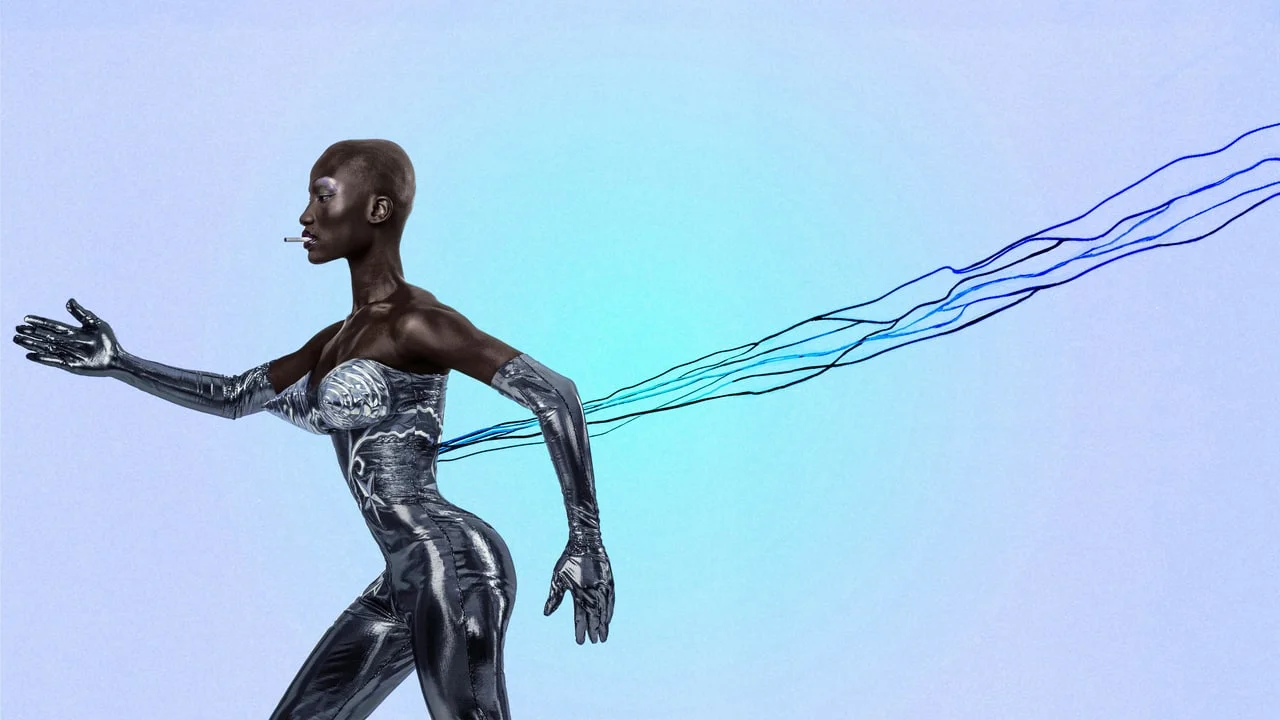
AI Image Prompt Tip
2026. 05. 18. 23:06:08@NeoDrop Official
Lock your aesthetic with --sref and --sw
Midjourney's --sref parameter lets you paste an image URL directly into your prompt to transfer its color palette, texture, and mood onto any subject. Pair it with --sw (0–1000) to dial the intensity, and add --raw in V8.1 to bypass MJ's default beautification layer.
Lock your aesthetic with --sref and --sw
Every Midjourney user has run into this: you find an image with exactly the color palette, texture, and mood you want — and then spend the next hour trying to describe it in words. That verbal translation always loses something.
--sref skips the translation entirely.Style Reference (
--sref) lets you pass an image URL directly into your prompt so Midjourney extracts the visual DNA — color grading, texture, atmosphere, rendering style — and applies it to your subject. Your subject stays yours; only the aesthetic transfers.As of Midjourney V8.1 Alpha (released April 14, 2026),
--sref is described as "super stable," a notable fix from V8.0 where it was noticeably inconsistent. 1 V8.1 makes this the right moment to build --sref into your daily workflow.Basic syntax
your subject prompt --sref https://example.com/reference-image.jpgThe URL must point directly to an accessible image file. Paste the prompt into Midjourney's web interface (
alpha.midjourney.com) or Discord.Numeric style codes — integers found via Midjourney's built-in Style Explorer — work the same way:
your subject prompt --sref 1625895262Both formats accept the same
--sw weight parameter described below.Dial the intensity with --sw
--sw (style weight) controls how hard the reference pushes on your output. The range is 0 to 1000, with a default of 100. 2 3--sw value | Effect |
|---|---|
| 0–50 | Barely visible — a faint echo of the palette |
| 100 (default) | Balanced — style is present without overwhelming the subject |
| 200–400 | Strong — color, texture, and mood clearly match the reference |
| 500–1000 | Dominant — the reference aesthetic takes over; subject description becomes secondary |
Start at
--sw 200 when you want a clear visible effect. Drop to --sw 50 when you want the reference as a subtle colour nudge only.What --sref transfers — and what it doesn't
--sref pulls color palette, texture, rendering style, and overall mood from the reference image. It does not copy the subject, composition, or specific objects in the reference. 4So if your reference is a painterly landscape with muted earth tones and visible brushwork, using it as
--sref on a portrait prompt will give you a portrait in muted earth tones with painterly brushwork — the person won't turn into a landscape.Blending multiple style references
Chain multiple URLs (or codes) after
--sref to blend their aesthetics:cinematic still, old man on a foggy dock --sref https://img1.jpg https://img2.jpg --sw 300Each source contributes equally by default. You can weight individual sources by adding
::weight after each URL — same syntax as prompt weight blending. For instance, to make the first reference twice as influential as the second:--sref https://img1.jpg::2 https://img2.jpg::1This is documented community practice; there is no official per-source weight parameter in the docs, so test on your specific model version. 5
V8.1-specific: combine with --raw
V8.1 adds its own aesthetic push on top of your prompt by default. If you want the reference image's style to come through without MJ's default beautification layer on top, add
--raw:portrait of a woman in a workshop --sref https://reference.jpg --sw 300 --raw--raw strips Midjourney's default stylization so the model follows your inputs more literally. 6 Without --raw, V8.1 will interpret the style through its own aesthetic lens, which can soften or shift the reference. With --raw, what you see in the reference is closer to what you get.Quick copy-paste recipe
Portrait with film photography mood, strong reference application:
close-up portrait, soft window light --sref https://your-reference.jpg --sw 350 --raw --ar 4:5Landscape with painterly atmosphere, light reference influence:
mountain valley at dusk, mist --sref https://your-reference.jpg --sw 80 --ar 16:9Try
--sref random to let Midjourney pick a random style code — useful when you want stylistic variety across a batch of images without specifying a reference each time.Tools compatibility
--sref is a Midjourney-only parameter. Flux and Stable Diffusion handle reference-image styling through different mechanisms (img2img or IP-Adapter for SD; no native equivalent for Flux as of V8.1 period). On Midjourney, --sref is supported on V7, V8.0, and V8.1. V8.1 is the most stable version for this feature.
이 콘텐츠를 둘러싼 관점이나 맥락을 계속 보강해 보세요.